Docs
Overview
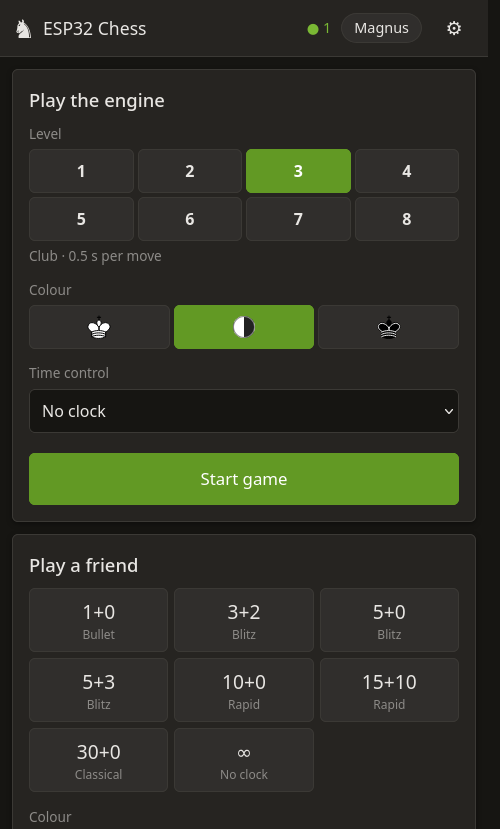
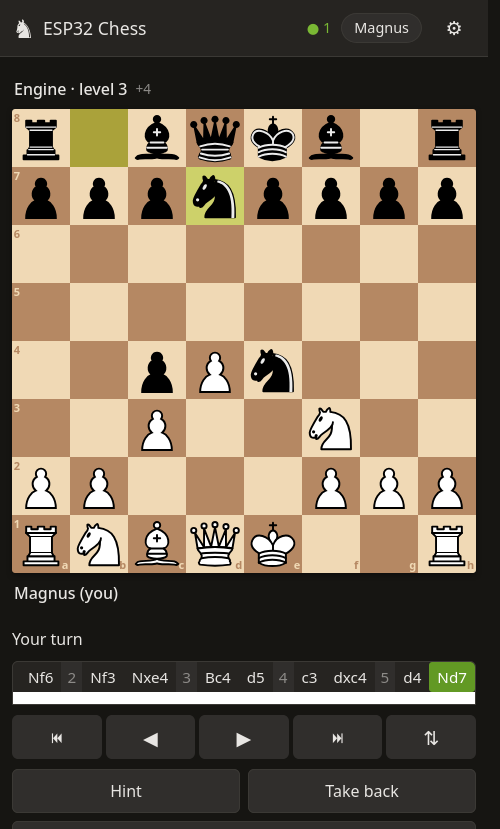
ESP32 Rust Chess turns an ESP32 development board into a self-contained chess computer. The board runs a chess engine, a small web server and its own Wi-Fi network – you play from the browser of any phone, tablet or computer. Nothing is installed on the phone and no internet connection is needed.
What you need
- One of the supported boards: ESP32-C6, ESP32-C3 or ESP32-S3 with 4 MB of flash. The Waveshare ESP32-C6-LCD-1.3 also shows the game on its built-in display.
- A USB cable that carries data (many cheap cables only charge).
- For the installation: a computer with Chrome, Edge or Opera.
Three steps
Install the firmware
Connect the board and press Install on the install page. It takes about a minute.
Join the board’s Wi-Fi
The board creates an open network called ESP-Chess-XXXX. Join it with your phone – the
chess app opens automatically (or go to http://192.168.4.1).
Play
Pick a nickname and play the engine at one of eight levels, challenge a friend who joined the same network, or watch the engine play itself. See Playing.