Playing
Connect
After switching on, the board creates an open Wi-Fi network named ESP-Chess-XXXX.
Join it with a phone, tablet or laptop. Most devices then open the chess app by themselves
(like the login page of a hotel Wi-Fi); otherwise open http://192.168.4.1.
On the ESP32-C6 with a display, a short press of BOOT shows a QR code for joining the network and another one with the address of the app.
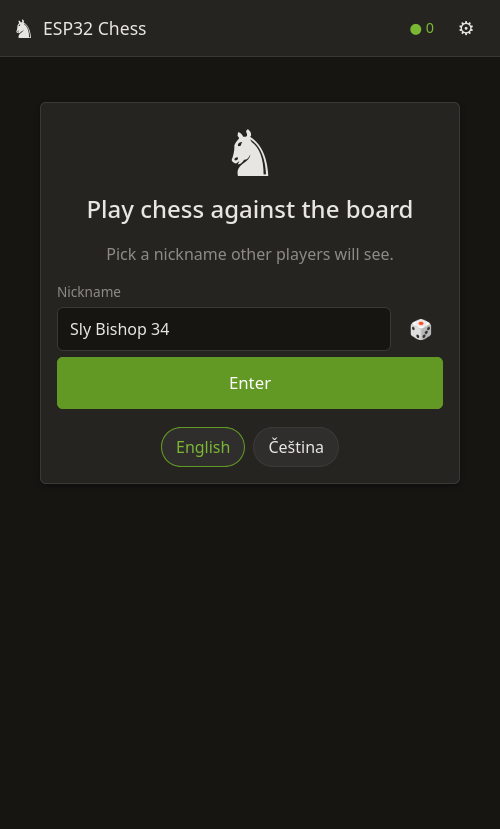
Choose a nickname and you are in the lobby.
Play the engine
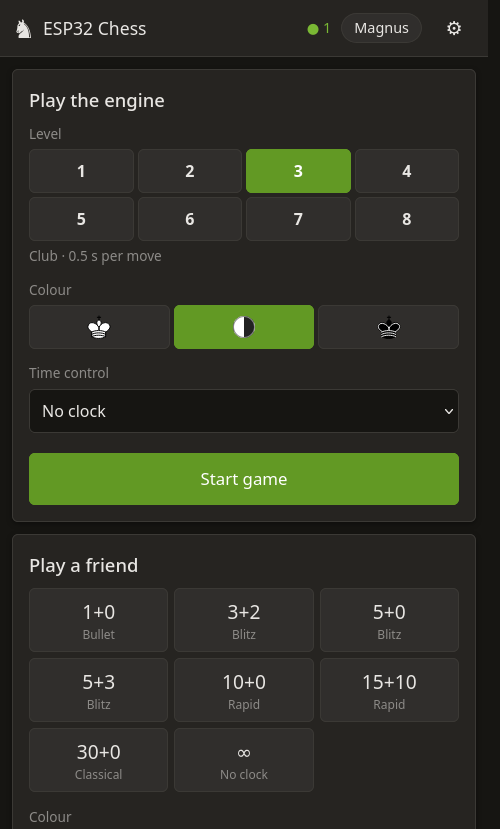
Pick one of eight levels and your colour, optionally with a clock:
| Level | Name | Engine |
|---|---|---|
| 1–4 | Beginner, Casual, Club, Keen | limited search depth and deliberate noise in the evaluation – it makes human-like mistakes |
| 5–8 | Strong, Expert, Master, Full power | full strength, 1 / 2.5 / 5 / 10 seconds per move |
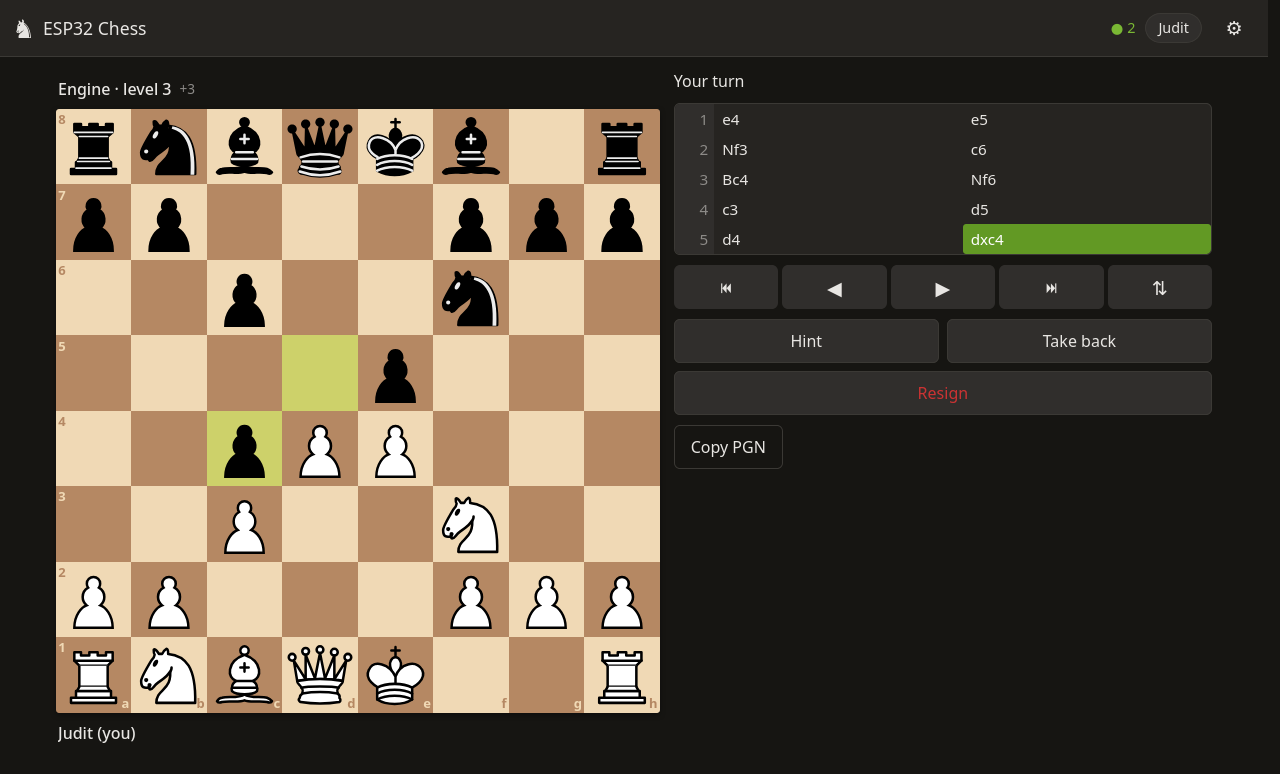
During the game you can ask for a hint (the engine searches at least 8 plies deep), take back a move, flip the board, step through the moves and copy the game as PGN.
Play a friend
Anyone connected to the same board can join. Create a challenge (bullet, blitz, rapid, classical or no clock) and another player accepts it in their lobby. Draw offers, resigning and rematches work as you would expect. Hints are not available in games between people – fair play.
Up to 24 players can be connected and several games run at once; everybody else can watch any running game.
The board’s display (ESP32-C6)
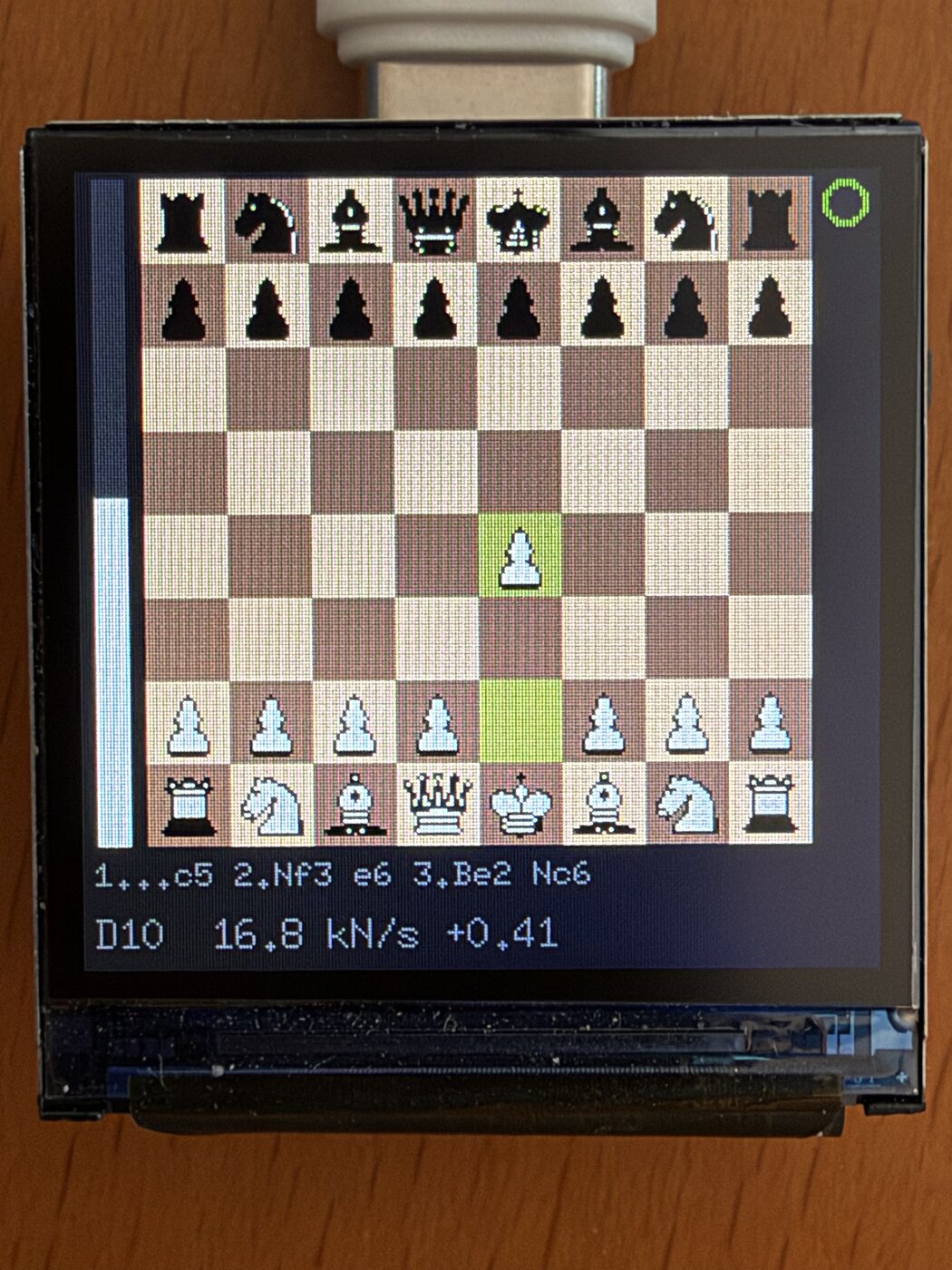
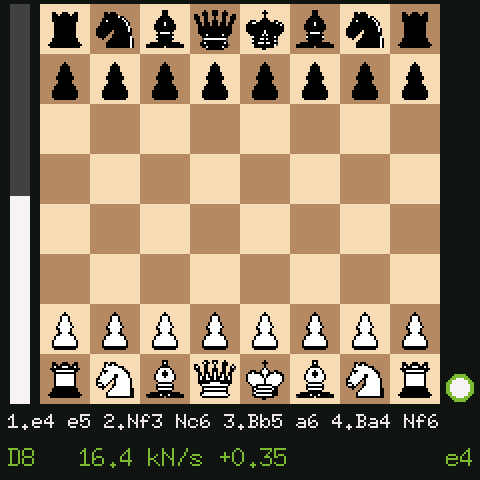
- The game: the featured human game, or the demo game when nobody is playing.
- The bar on the left shows the evaluation (more white = better for White).
- Below the board: the engine’s main line while it thinks (for example
23...Rxa4 24.Qb3 Ra8), otherwise the players’ names. - The status line: D = search depth in plies (half-moves), the speed in thousands of positions per second, the evaluation in pawns and, on the right, the engine’s best move so far. The line and the best move are shown only while the engine thinks about its own move, never as a hint for a human player.
A short press of BOOT cycles through the screens: game, every running game, overview, QR codes and statistics (players, games, engine speed, Wi-Fi, web server, memory and chip temperature).
Home Wi-Fi
In Settings → Wi-Fi the board can join your home network, so you can play from any
device at home. It keeps its own network ESP-Chess-XXXX as a backup. Only the first
person who connects after a reset may change the Wi-Fi settings.
To forget the saved network, hold BOOT for 10 seconds (the display shows a countdown).
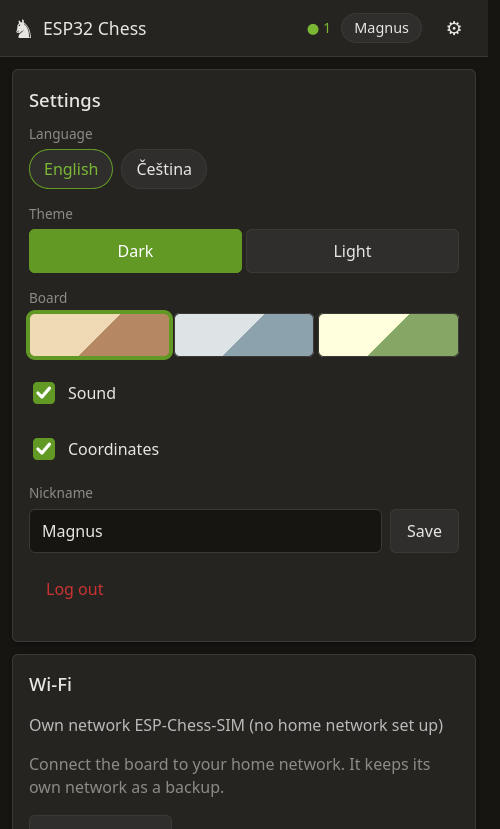
Settings also show the device information: chip, firmware, playing strength, chess model, engine speed, chip temperature and uptime.
When nobody plays
The engine plays a demo game against itself so there is always something to watch. Without any connected players it thinks for 10 seconds and then pauses for 20 seconds, which keeps the chip cool. As soon as someone plays, people always come first.